Browse a searchable, categorised television catalogue with channel information and artwork fallbacks.
INSTALLED WINDOWS DESKTOP APP
Crow-Flix
A dedicated desktop media hub for live television, programme guides, favourites, resilient playback, and a user-managed Web Library—all wrapped in Crow's cybernetic visual identity.
Version 0.5.1 · Windows x64 · 8.56 MiB installer
What Crow-Flix is
Crow-Flix is a real application installed on your Windows computer. It does not run inside this website. The Orion Public Research site provides this information page and links to the official GitHub release; watching, browsing, favourites, and playback all happen inside the Crow-Flix desktop window.
See what is live now and what is coming next without leaving the application.
Supports HLS, MPEG-DASH, direct media routes, alternate sources, failover, and stall recovery.
Keep favourites and recently viewed channels together in local app storage on your computer.
Maintain a separate, user-controlled library of web destinations that open through the installed desktop app.
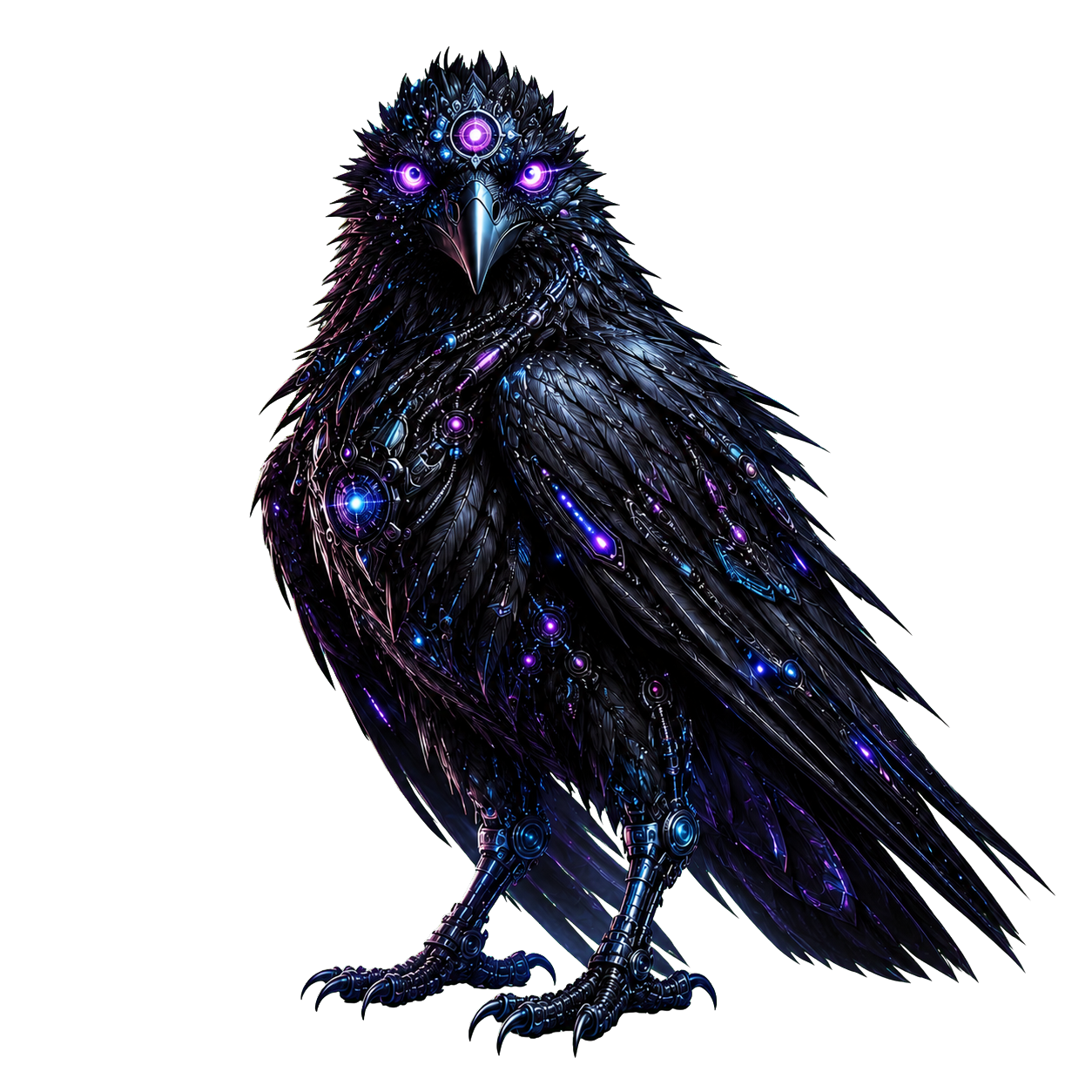
The approved mascot, Crow Bitfeather typography, Crow Talon pointers, and a custom electric blue and violet interface.
Inside the desktop app
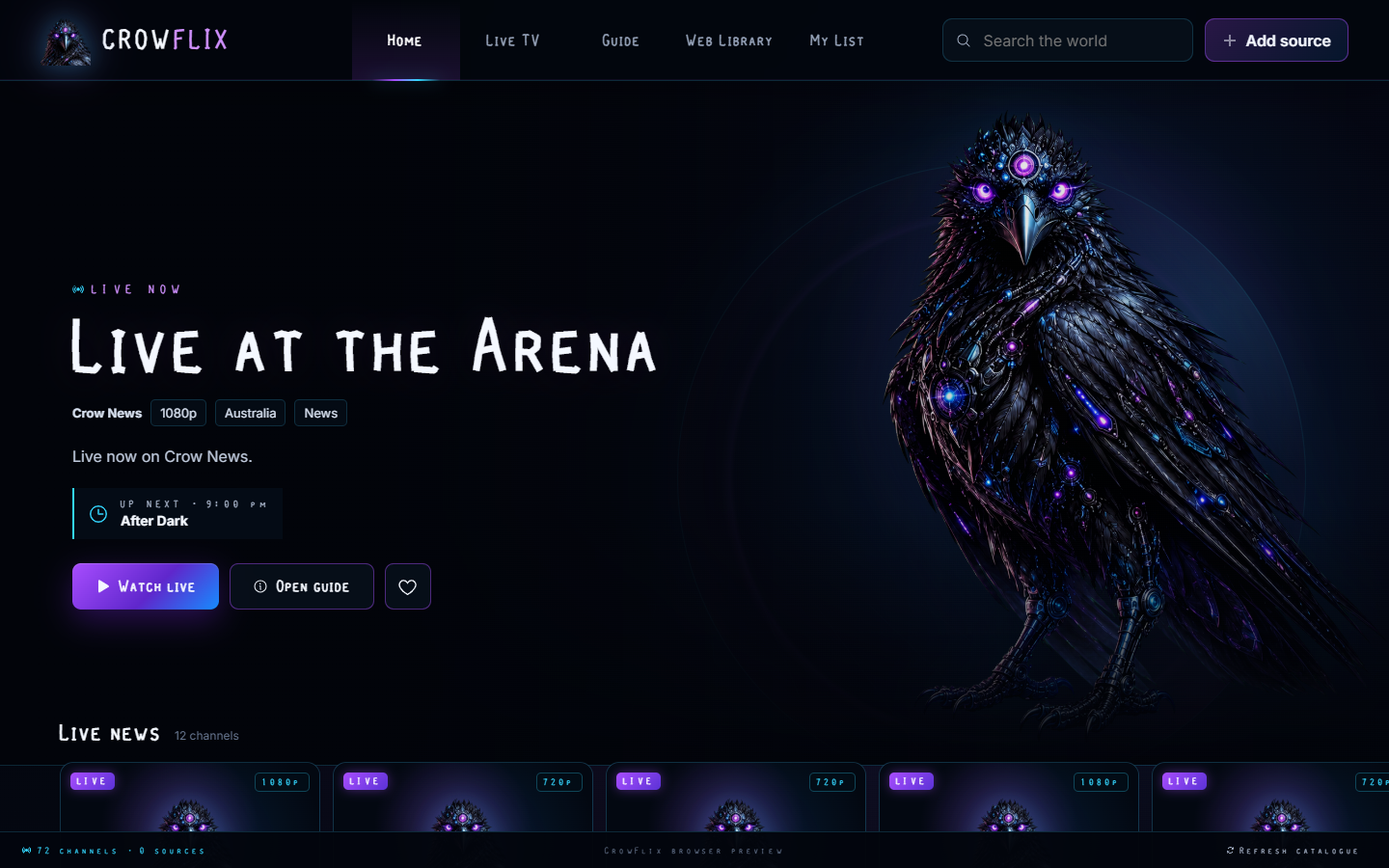
The main Crow-Flix view keeps navigation, search, live programming information, and playback actions in one focused Windows interface.
Download Crow-Flix
Install Crow-Flix on a Windows x64 computer. Existing Crow-Flix installations are upgraded in place while preserving favourites, recent items, and application data.
Crow-Flix 0.5.1 for Windows
The installer creates the normal Crow-Flix desktop and Start Menu shortcuts and installs the application for the current Windows user.
- Windows 10 or Windows 11, x64
- 8.56 MiB installer download
- Microsoft Edge WebView2 runtime
The current installer is not code-signed, so Windows may display an “Unknown publisher” or SmartScreen notice. Only use the official GitHub release linked here, then verify its checksum and build provenance before running it.
Installer integrity
SHA-256
e685dcfef2b8a3489f91eed558174b96b0ddf7bd86c6937a557d4e00f9017812